Auto Backup Manager S3
Secure your WHMCS files using Auto Backup S3
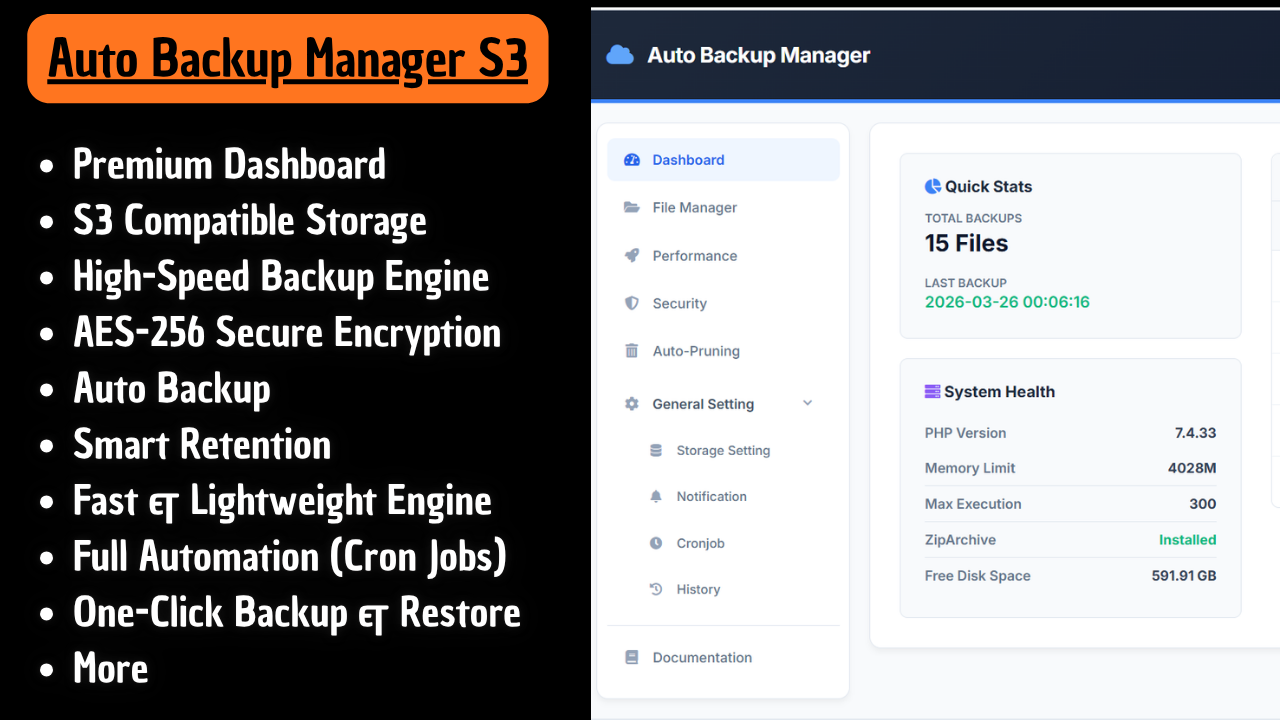
Auto Backup Manager S3 for WHMCS (V4)
Automate Smarter. Backup Faster. Restore Instantly.
Auto Backup Manager S3 V4 is a next-generation WHMCS backup solution engineered for high performance, advanced security, and zero-interruption workflows.
Built for developers, hosting providers, and system administrators, V4 transforms backup management into a fully automated, intelligent, and resilient system—designed to run silently in the background while you focus on your business.
With full support for Amazon S3 and S3-compatible providers, you gain complete infrastructure flexibility without vendor lock-in.
Why This Module Matters
Manual backups are unreliable. Traditional backup methods consume resources and risk downtime. Poorly secured backups expose critical data.
Auto Backup Manager S3 eliminates these risks with:
- High-performance backup engine
- Background processing without timeouts
- Secure encryption system
- Smart automation & monitoring
- Real-time visibility
What’s New in Version 4
Native WHMCS Email Integration
Backup notifications now fully integrate with WHMCS Email Templates using SMTP. This replaces the outdated mail() function and ensures reliable, professional delivery.
Live Progress Tracker (Real-Time)
Monitor every backup process live from the dashboard:
- Zipping files
- Database dump
- Upload process
- Auto-pruning
All displayed in real-time using dynamic progress tracking.
Asynchronous Background Processing
Backups now run entirely in the background:
- No browser dependency
- No session locking
- No timeout errors (504/524)
You can safely close the tab while the process continues.
Zero-Lock Database Engine
Database exports use:
--single-transaction--quick
This ensures zero table locking and keeps your WHMCS fully responsive during backups.
Smart Compression System
Adaptive compression based on configuration:
- No Encryption →
.sql.gz(fast, low resource usage) - With Encryption →
.zip(AES-256 secured) - Automatic fallback to PHP (zlib) for restricted environments
Universal 1-Click Restore
Restore backups instantly:
- Supports
.sql.gzand.zip - Fully automated process
- No SSH or PhpMyAdmin required
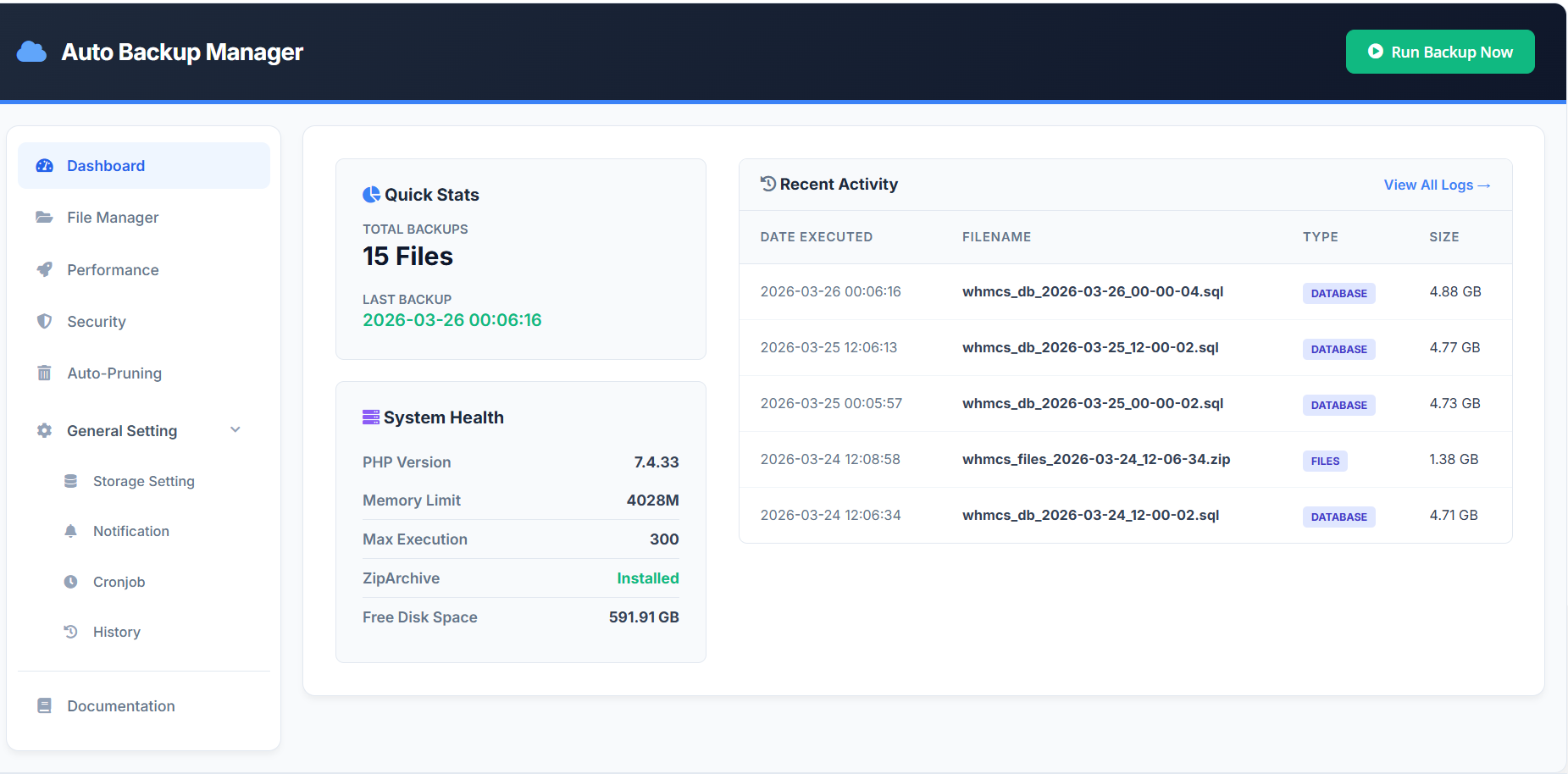
Smart Dashboard Overview
Everything you need in one place:
- Quick stats (total backups & last execution)
- Real-time progress tracking
- Recent activity logs
- System health monitoring
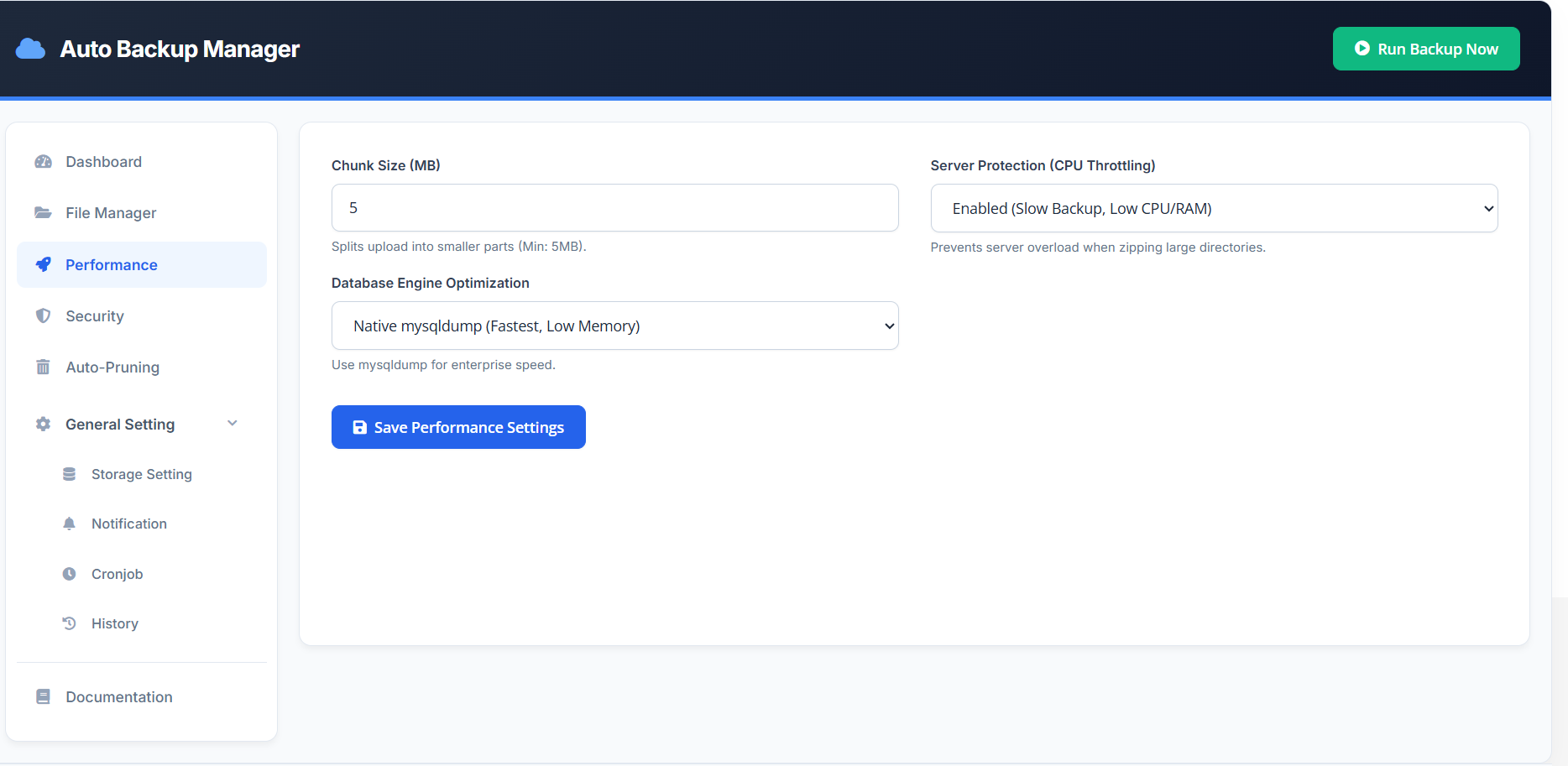
Extreme Performance Engine
Built for both small and large-scale systems.
Native MySQL Engine
- Uses
mysqldumpandmysql - High-speed export & restore
- Bypasses PHP limitations
Zero-Memory Restore System
- Stream-based processing
- PDO fallback support
- Stable even on low-resource servers
CPU Protection Technology
- Controlled ZIP processing
- Managed upload flow
- Prevents server overload
Advanced Security Layer
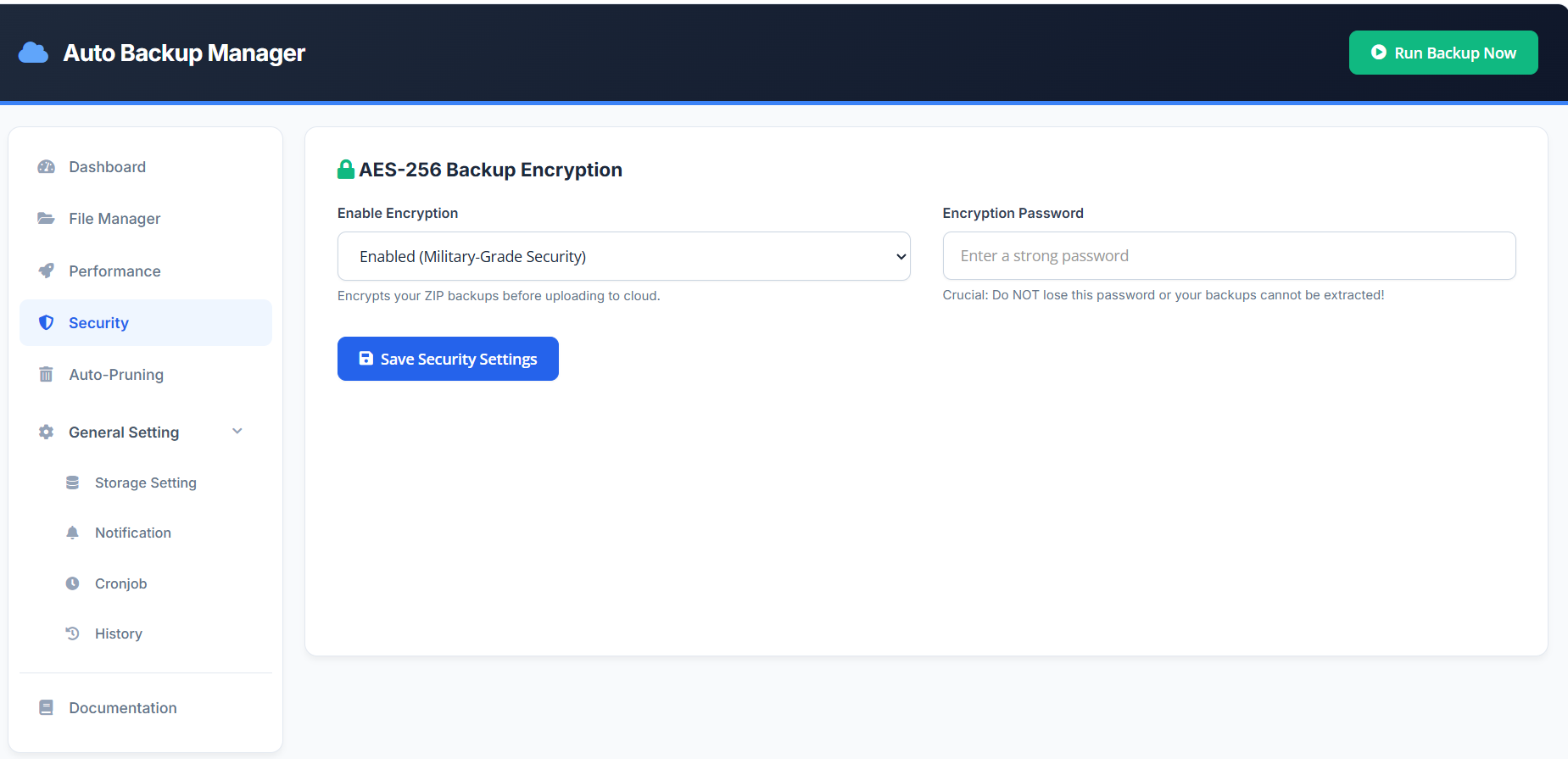
AES-256 Encryption
- Encrypts backups before upload
- Protects data even if storage is compromised
Secure Download System
- Blocks direct access to backup files
- Only authenticated WHMCS admins can download
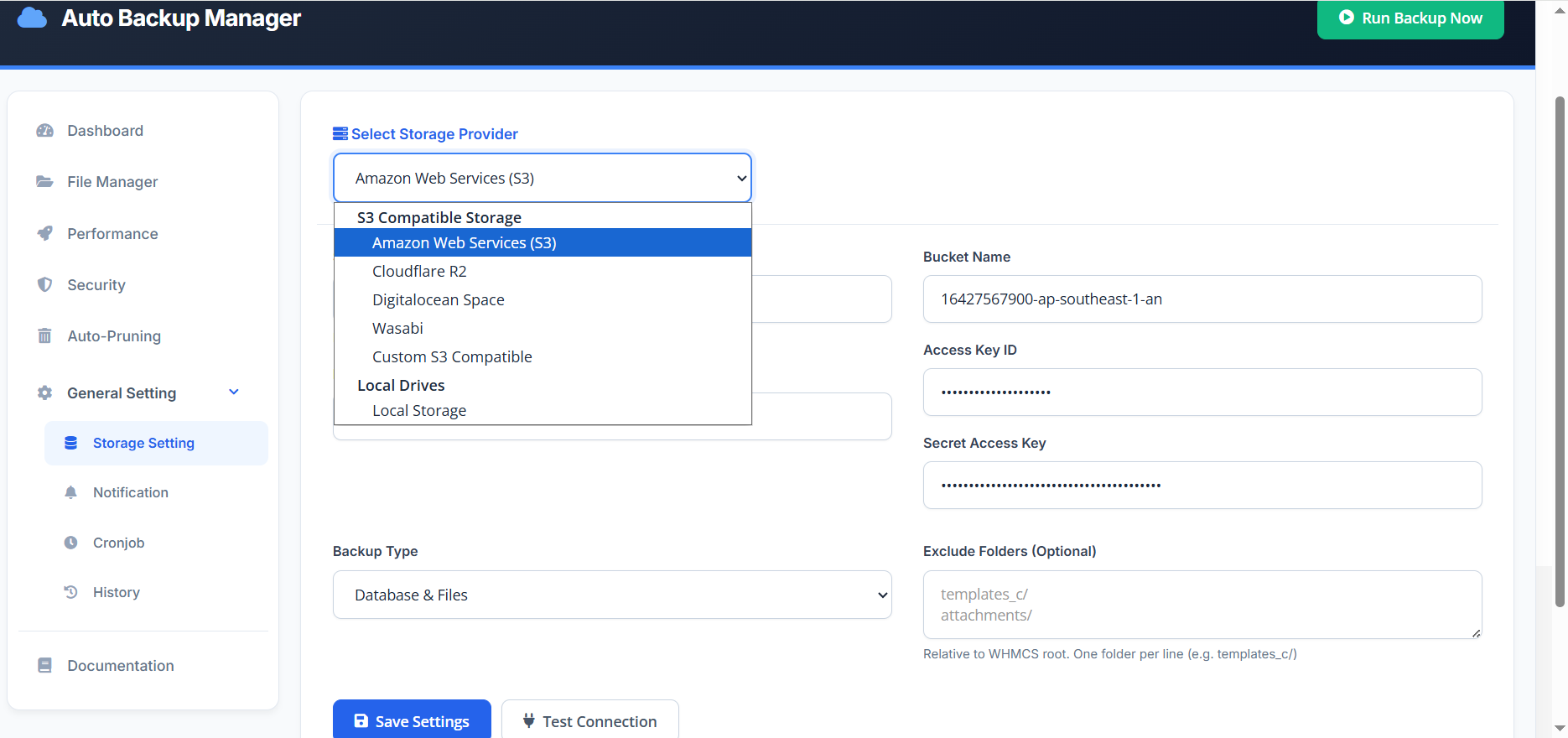
Advanced Storage Management
- Multi-storage architecture
- Automatic local storage detection (
/backups/) - Full S3-compatible support
- Intelligent file routing system
Supported providers include:
- Amazon S3
- Cloudflare R2
- Wasabi
- MinIO
- Other S3-compatible services
Backup Customization
Flexible backup control:
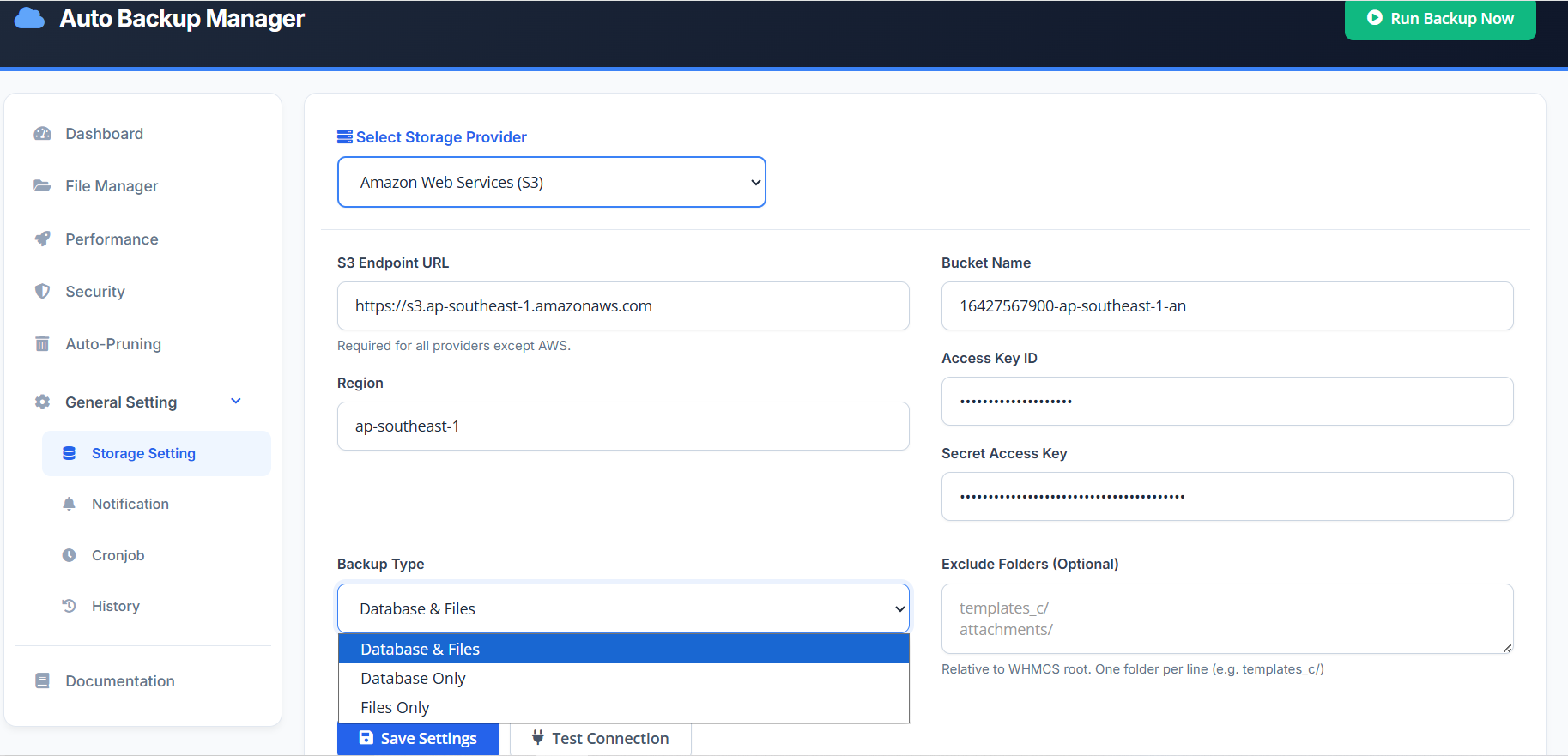
Backup Types
- Database & Files
- Database Only
- Files Only
Folder Exclusion
- Skip cache, logs, attachments
- Reduce backup size and processing time
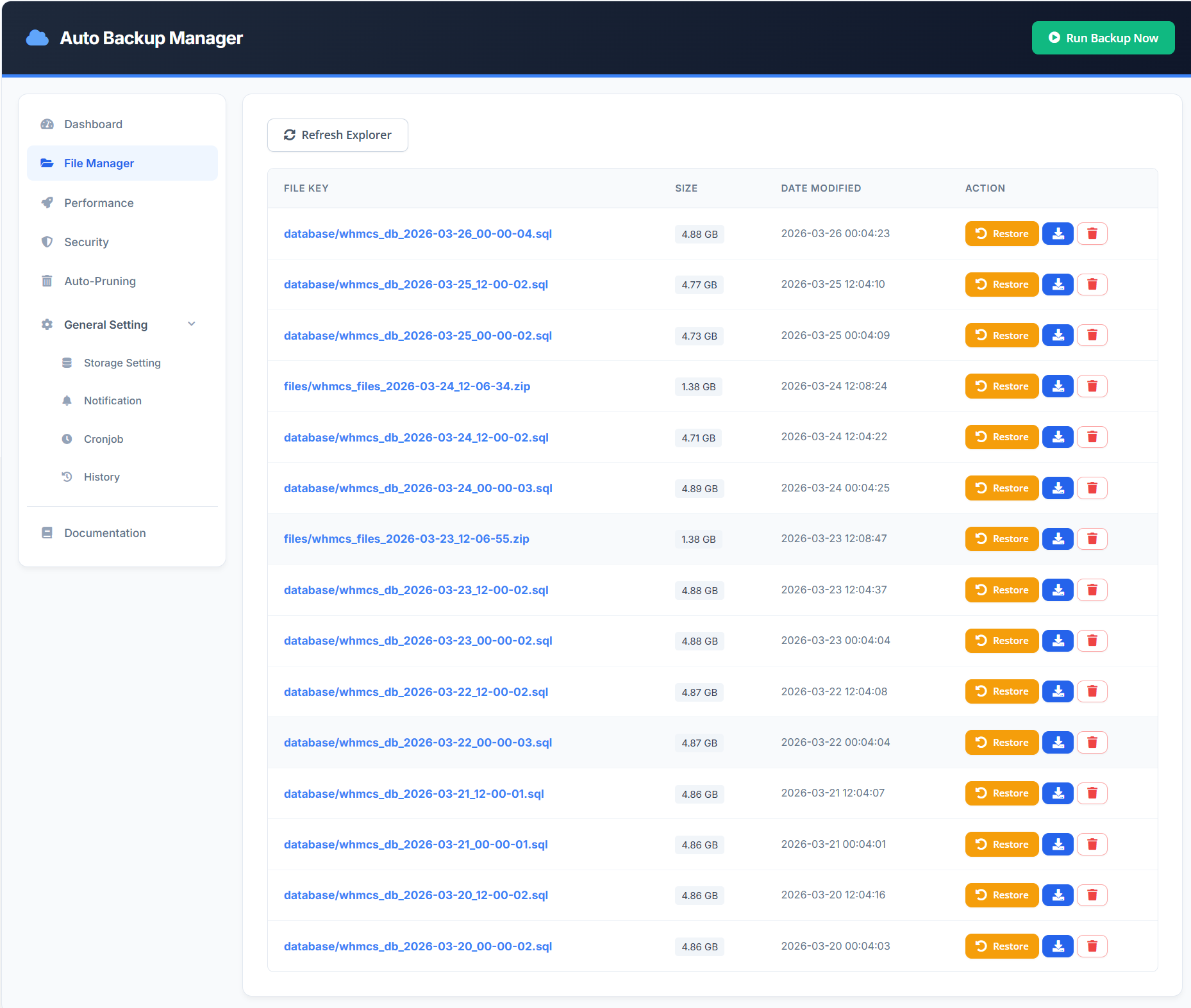
Intelligent File Manager
Manage backups directly from WHMCS:
- View backup files instantly
- Download backups
- Restore backups
- Delete backups
No external tools required.
Chunk Upload Technology
Optimized for large backups:
- Splits files into smaller parts
- Prevents upload timeouts
- Improves reliability on unstable connections
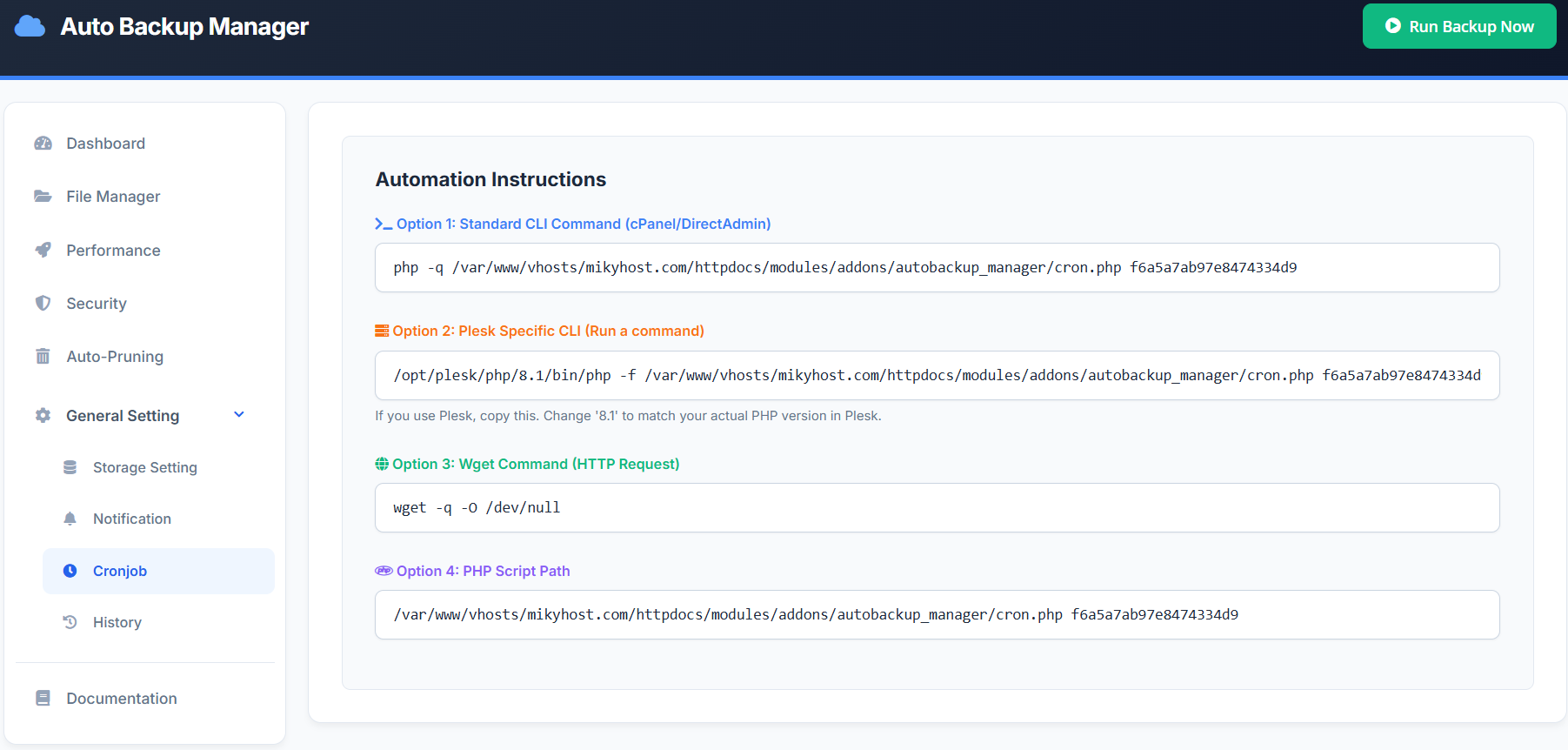
Full Automation with Cron Jobs
Run backups automatically using:
- CLI command
- Plesk CLI
- Wget HTTP request
- PHP script execution
Set once and let the system handle everything.
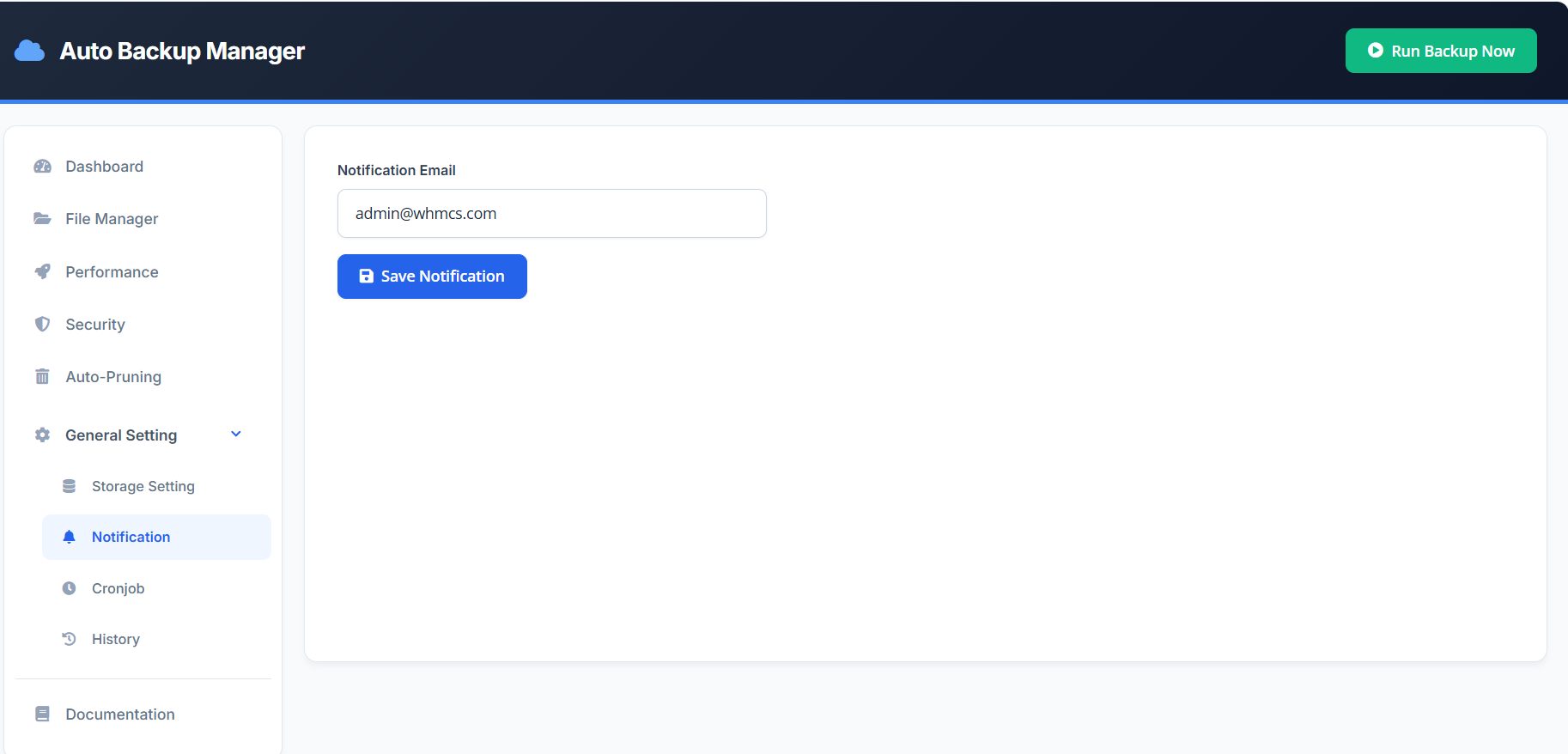
Notification System
Stay informed at all times:
- Backup success alerts
- Failure notifications
- Error reporting via WHMCS email system
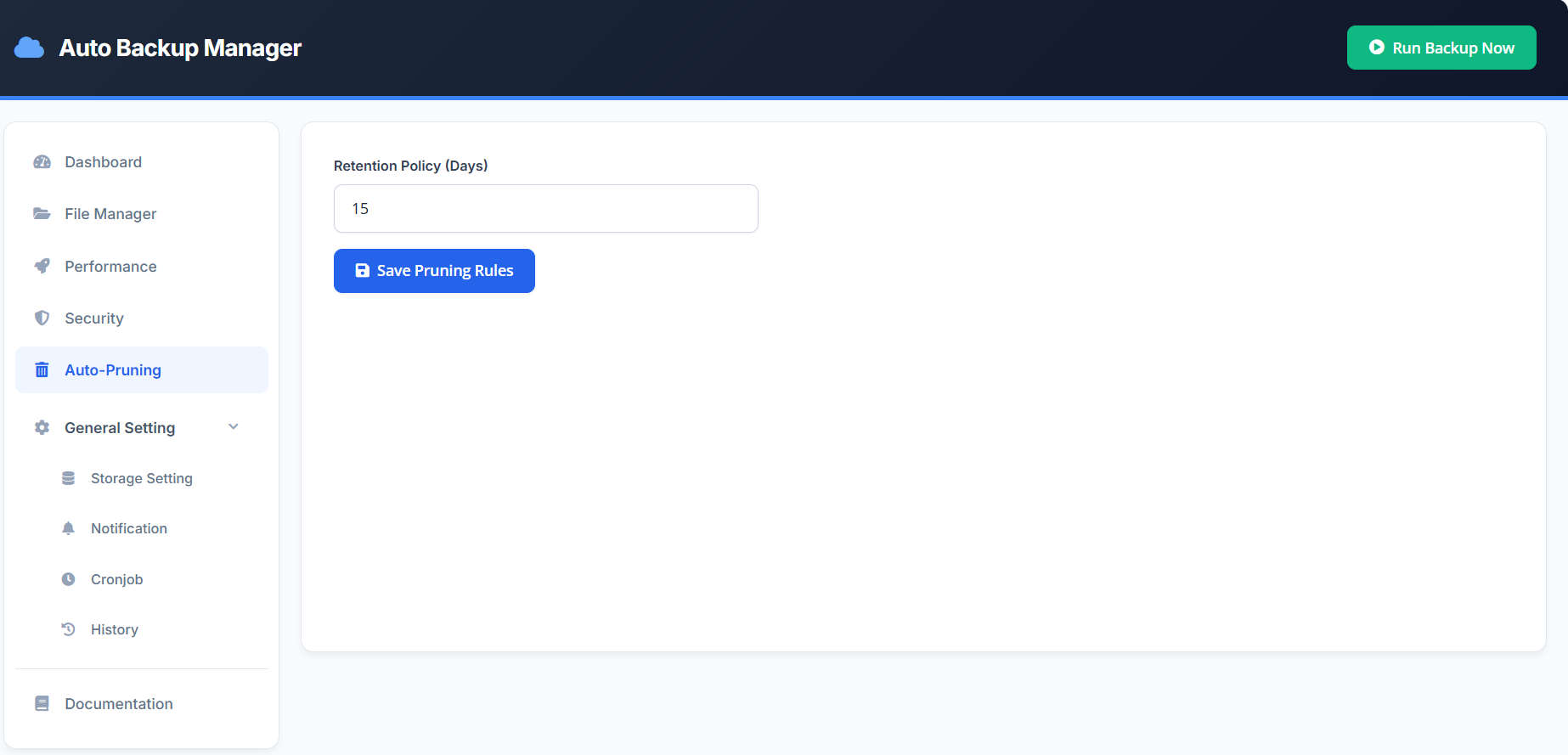
Smart Retention (Auto-Pruning)
- Automatically deletes old backups
- Keeps storage clean and optimized
- Reduces unnecessary storage costs
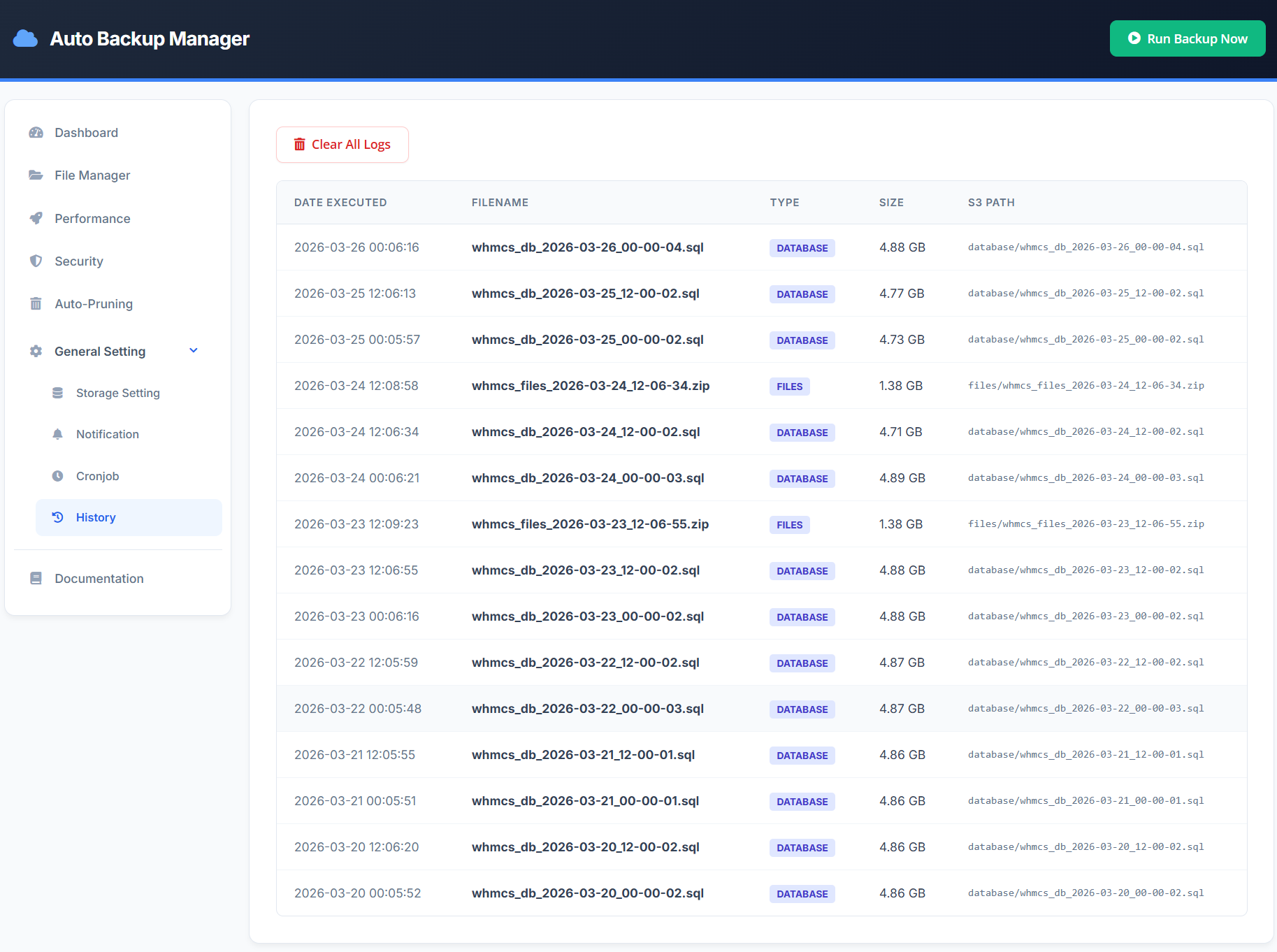
Logs & Monitoring
Track every operation:
- Backup date & time
- Backup type
- File size
- Storage location
Ideal for auditing and troubleshooting.
Manual Backup (One Click)
Run instant backups anytime:
- Before updates
- Before migrations
- Before major changes
Who Is This For?
- WHMCS Developers
- Hosting Providers
- SaaS Platforms
- System Administrators
- Agencies managing multiple servers
Key Benefits
- Fully automated backup system
- No server overload or timeouts
- Enterprise-grade encryption
- Real-time monitoring
- Works on both high-end and low-resource environments
Why Choose Version 4?
Because this is more than a backup module.
It is a complete backup automation and disaster recovery system designed for:
- Performance
- Security
- Reliability
- Scalability
Conclusion
Auto Backup Manager S3 V4 delivers a powerful, automated, and secure backup ecosystem inside WHMCS.
From real-time monitoring to background processing and one-click restore, every feature is designed to ensure your data is always protected, accessible, and optimized—without complexity.
Write a Review
You must be logged in to write a review.
Sign InCustomer Reviews
I am very happy to use this module which can provide security to all our website databases and files.
I am very happy to use this module which can provide security to all our website databases and files.