Mikyhost Backup Manager V1.0 – Enterprise Disaster Recovery System for WHMCS
Your WHMCS is the heart of your business. Are you doing enough to protect it?
Data loss comes without warning. Hardware failures, ransomware, zero-day exploits, or human errors can wipe out years of client data, invoices, tickets, and configurations in seconds. Relying on manual backups or basic server snapshots is no longer sufficient.
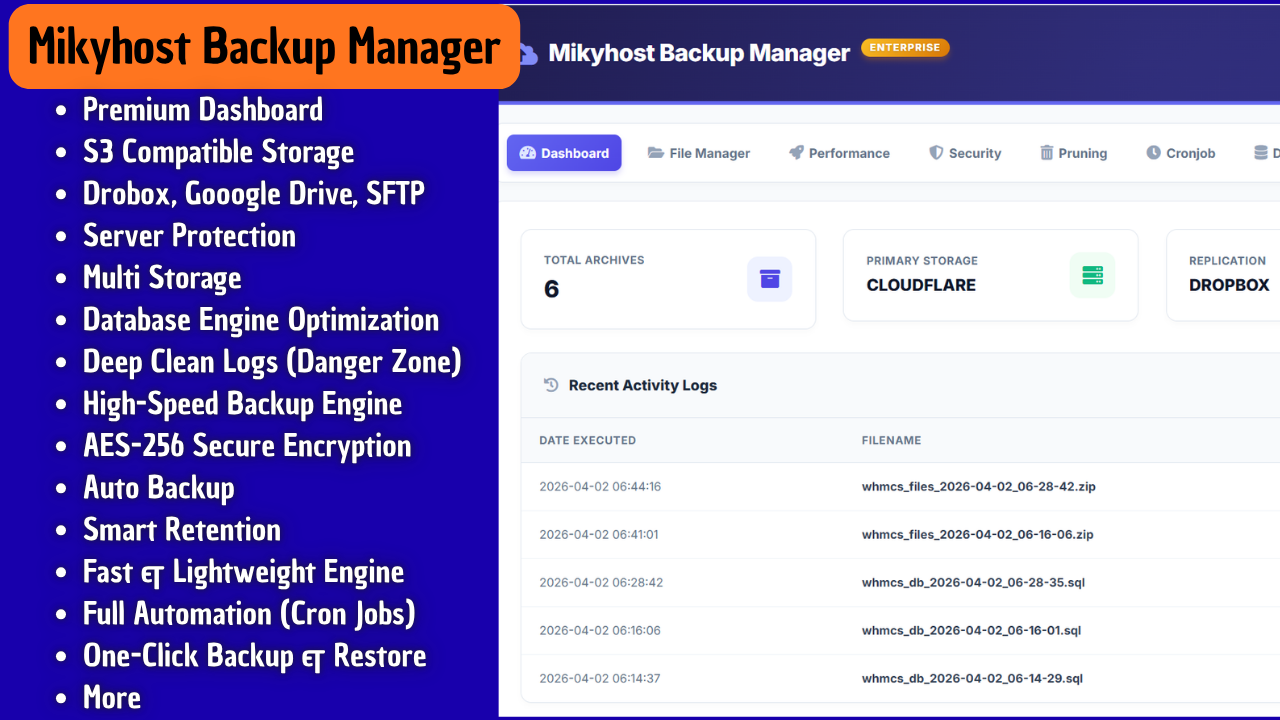
Mikyhost Backup Manager V1.0 is an advanced, secure, and fully automated backup and disaster recovery solution built specifically for WHMCS. It features enterprise-grade architecture including zero-footprint streaming, dual cloud replication, AES-256 encryption, and a powerful one-click restore system.
Protect your business with a modern, automated, and multi-cloud backup system designed for reliability and peace of mind.
Why Mikyhost Backup Manager is Different
Traditional backup systems create large archive files locally before uploading, causing high CPU and memory usage. Mikyhost Backup Manager uses intelligent streaming and chunking technology to eliminate this problem.
Backups are processed efficiently without slowing down your WHMCS installation, even during large data transfers.
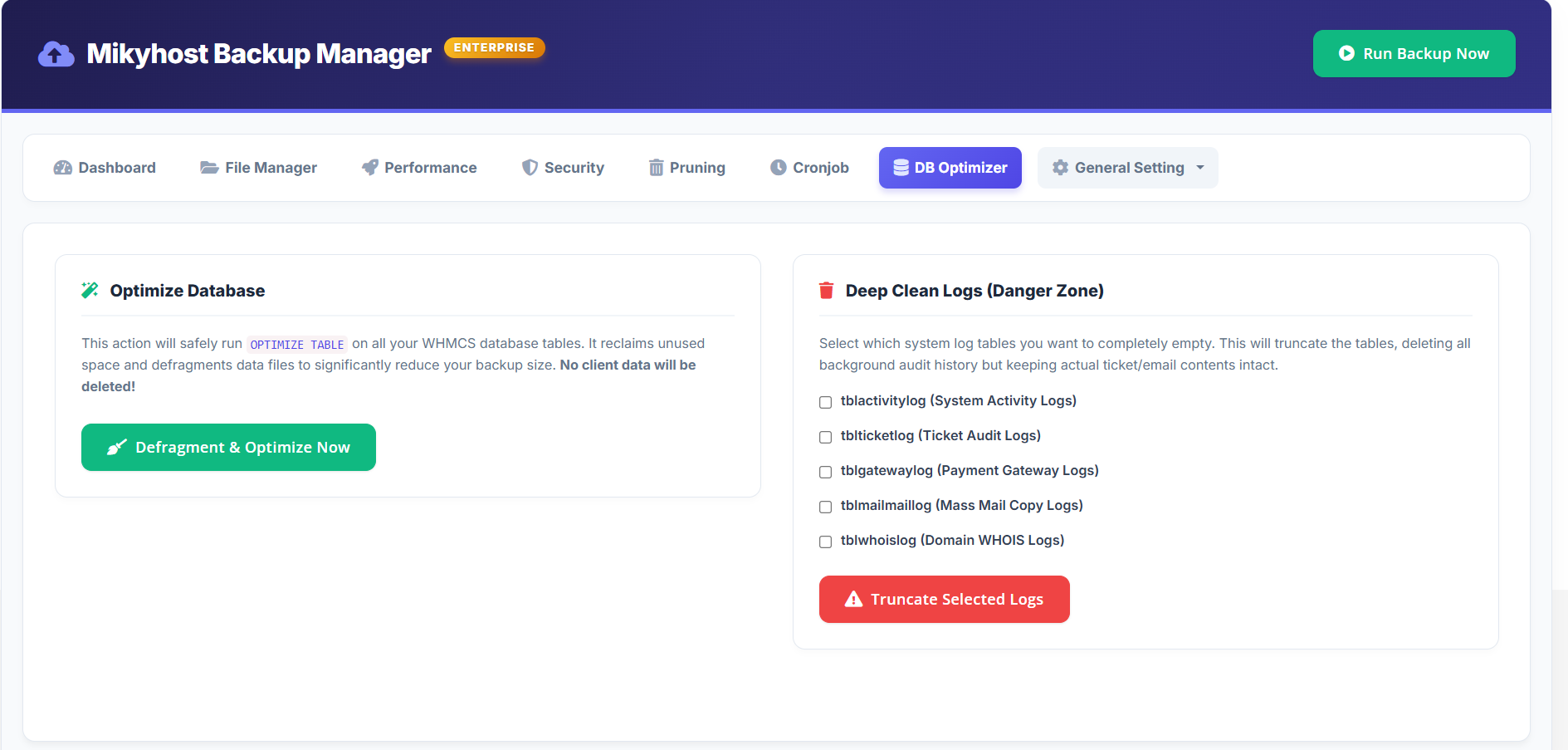
The system supports database-only, files-only, or full backups while optimizing database size by cleaning unnecessary log data automatically.
Feature Overview
1. Multi-Cloud and Offsite Backup Support
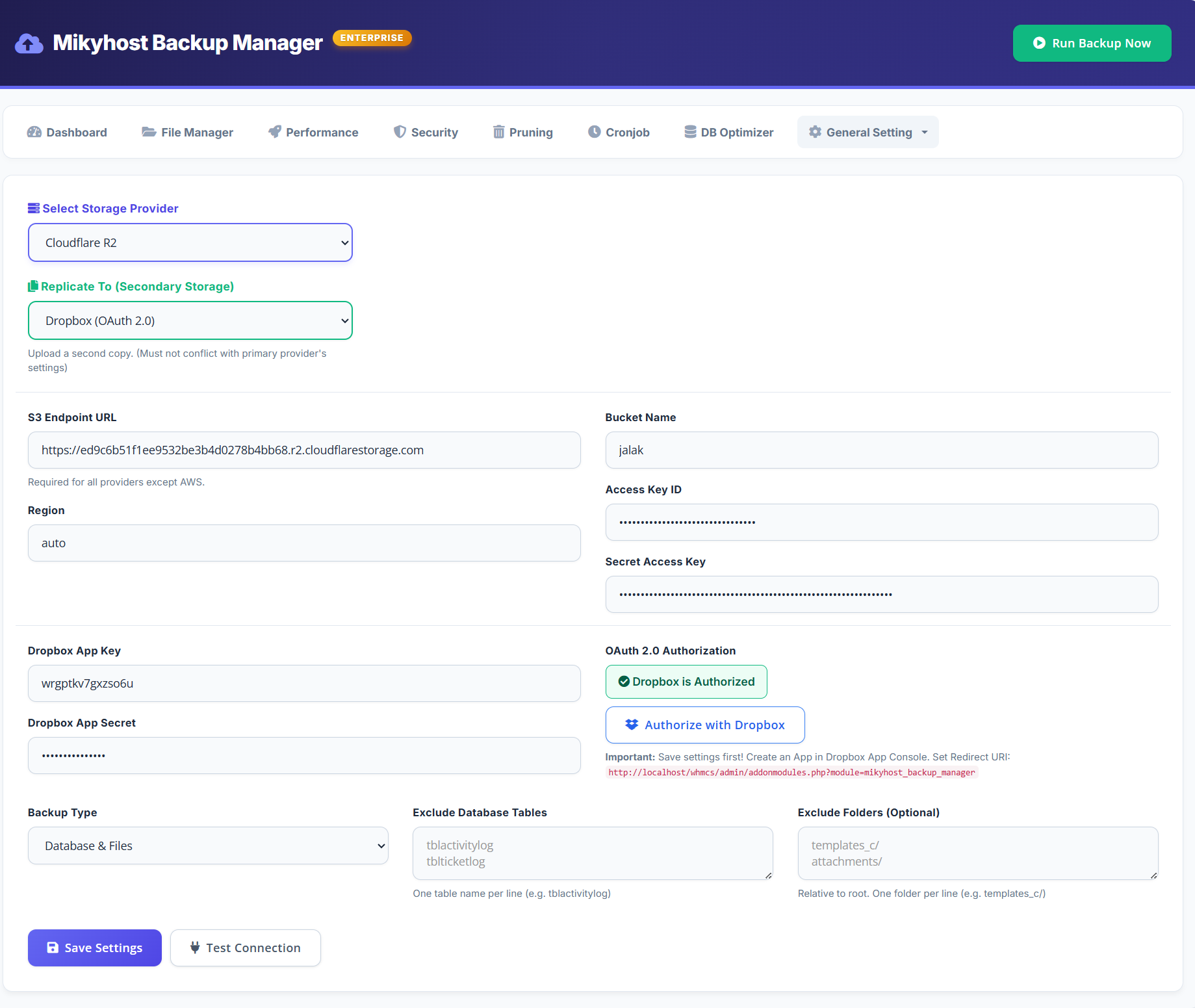
Connect your backups to multiple storage providers without additional scripts:
- S3 Compatible Storage (AWS S3, Cloudflare R2, DigitalOcean Spaces, Wasabi, and custom endpoints)
- Cloud Drives via OAuth 2.0 (Google Drive and Dropbox)
- Remote Servers via SFTP and FTP
- Local server storage
2. Dual Replication System
Configure primary and secondary storage destinations. Backups are automatically duplicated to both locations to ensure redundancy and availability.
3. Smart Dual-Engine Compression (Zero-Crash Architecture)
Never worry about timeouts or memory limits again. This module features an intelligent dual-engine compression system designed for maximum stability and performance:
-
Engine 1 (Native OS Execution)
Automatically detects supported environments such as cPanel or Plesk on Linux and executes the native zip command directly. This method is extremely fast and uses zero PHP memory.
-
Engine 2 (Optimized PHP Fallback)
When native execution is not available (such as Windows or restricted shared hosting), the system automatically switches to an optimized ZipArchive mode. It uses smart chunk processing and aggressive garbage collection to compress files in batches, continuously freeing memory and resetting execution time. Even very large WHMCS installations can be archived safely without crashes.
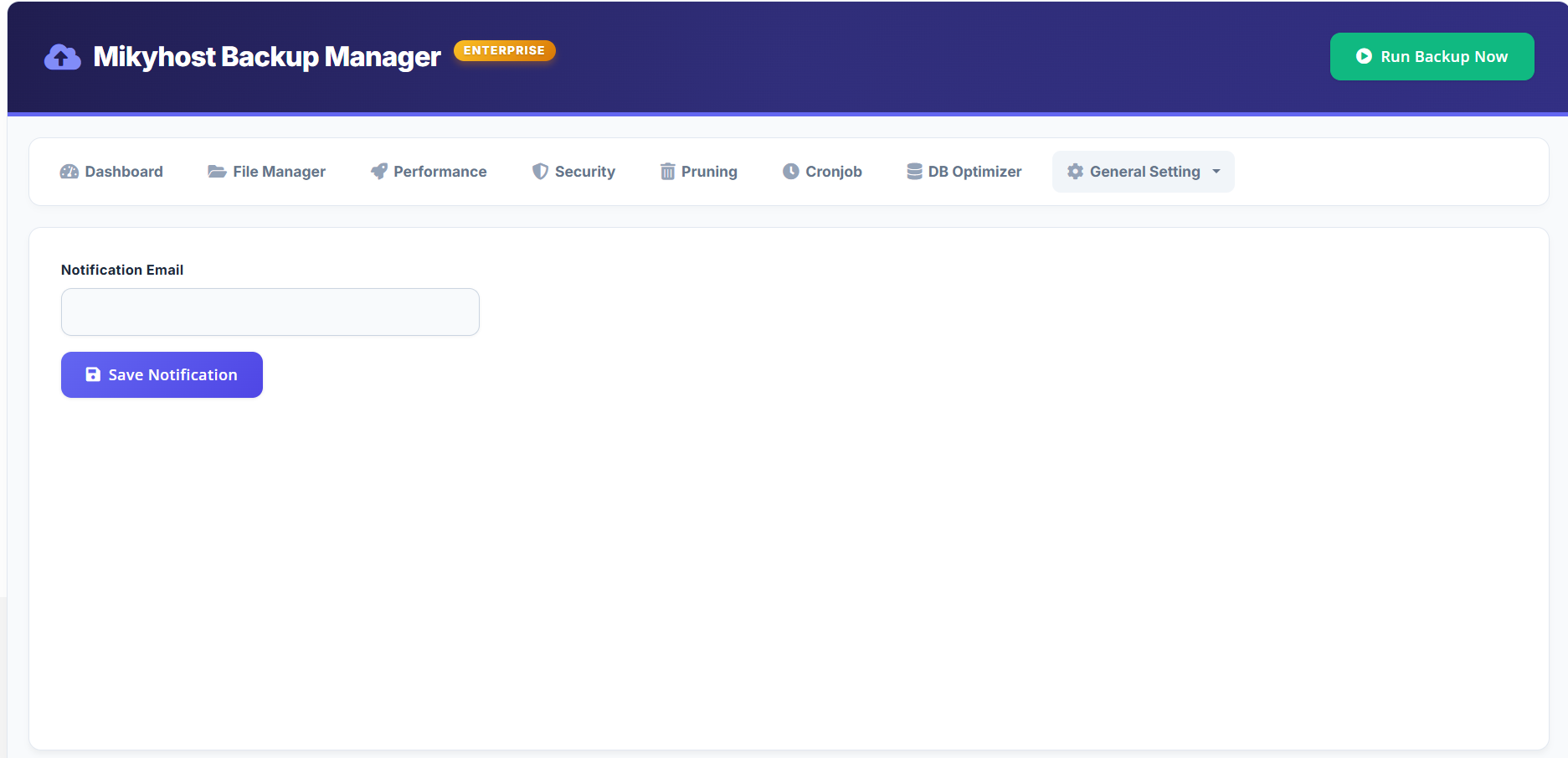
4. Email Notifications and Alerts
Receive automatic notifications when backups complete or fail. Detailed reports are sent directly to your email.
5. High Performance and Resource Control
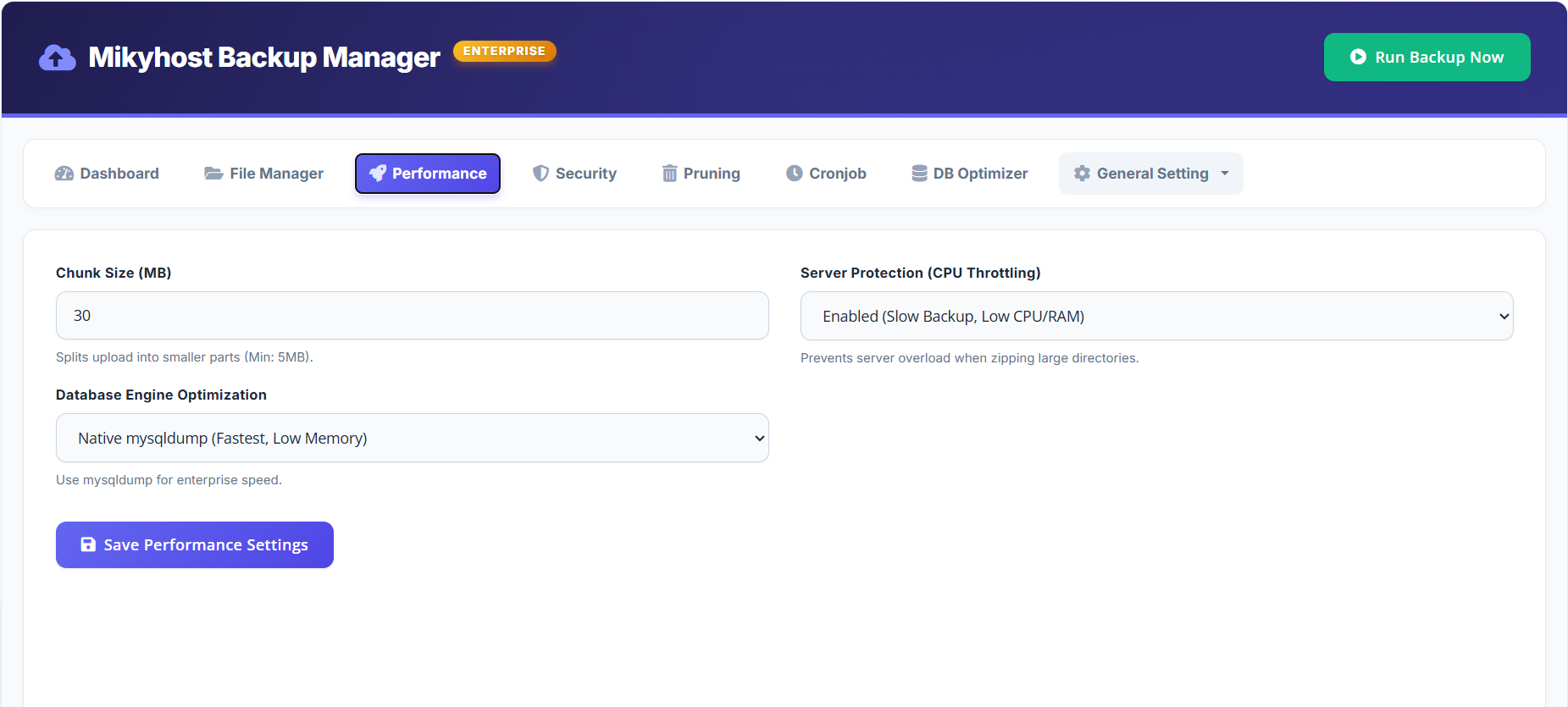
- Chunked upload system for large files
- Native mysqldump support for fast database export
- Automatic fallback to PDO when needed
- CPU throttling to maintain server stability
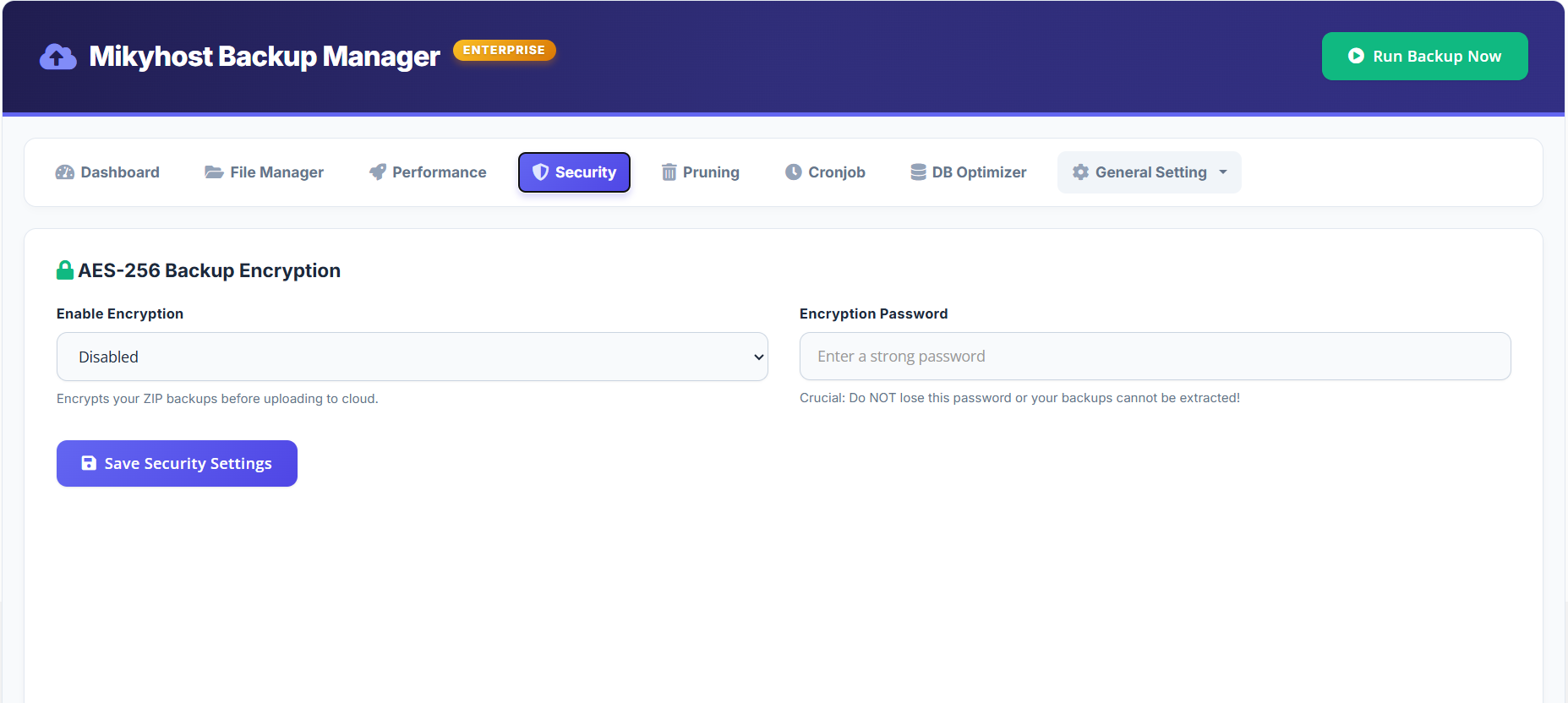
6. AES-256 Backup Encryption
Secure your backup files with strong encryption before they leave your server. Even if storage is compromised, your data remains protected.
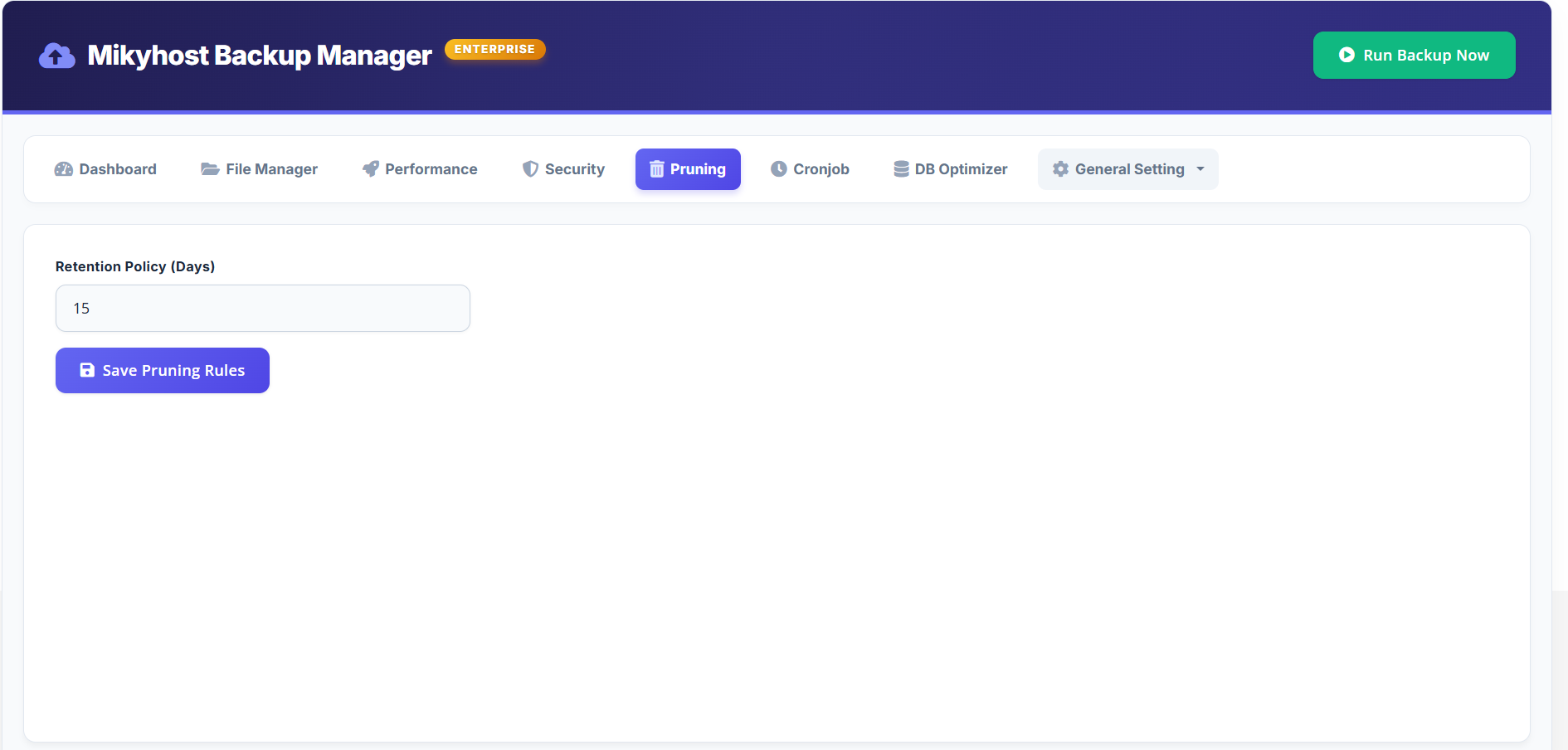
7. Automatic Retention and Cleanup
Define retention policies and automatically delete old backups to reduce storage costs.
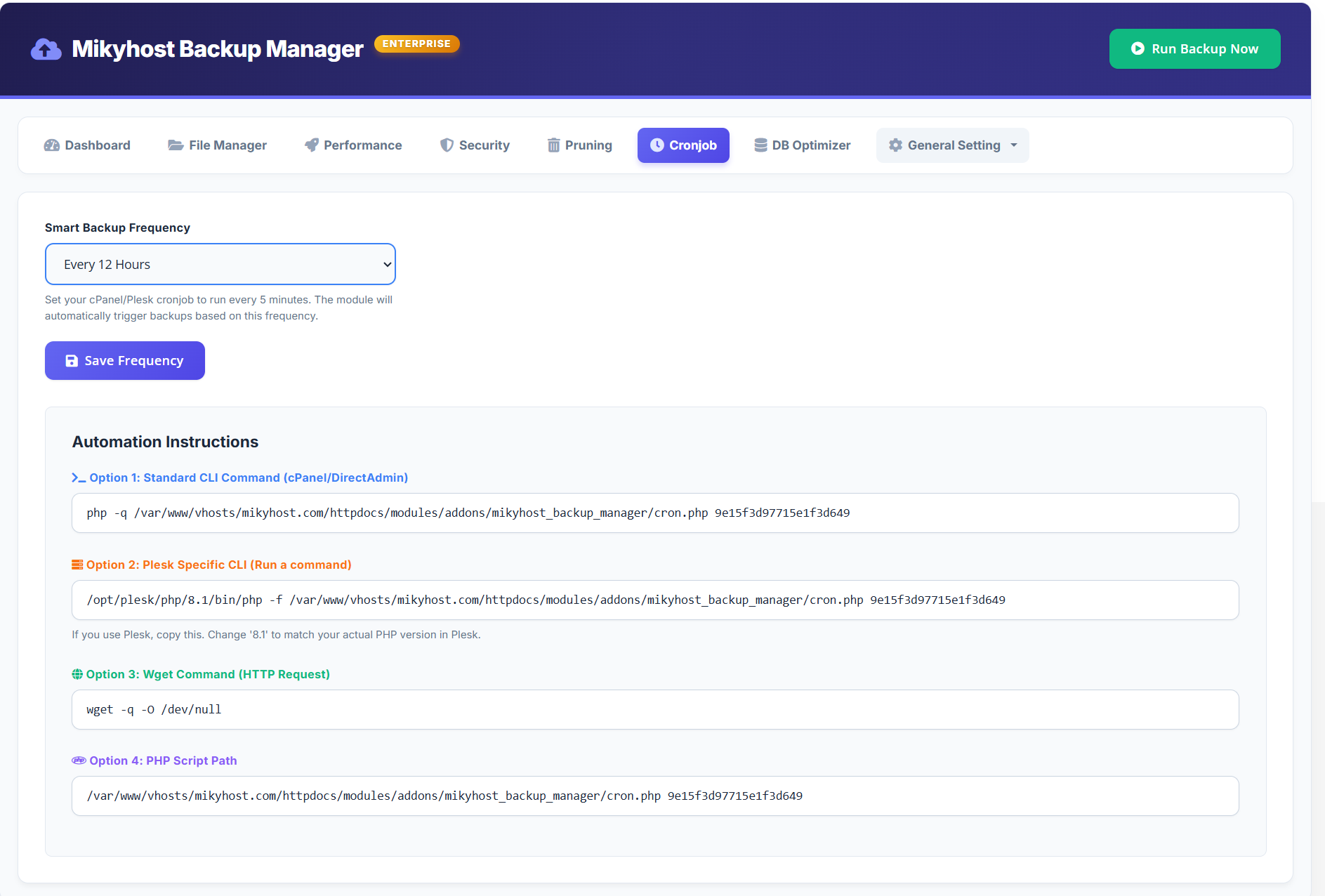
8. Backup Automation with Cron
Schedule automated backups with flexible intervals:
- Every 6, 12, 24, 48, or 168 hours
- Compatible with cPanel and Plesk cron jobs
- Supports secure HTTP trigger
9. Database Optimization and Log Cleanup
Reduce backup size and improve performance:
- Optimize database tables
- Clean activity logs, ticket logs, gateway logs, email logs, and WHOIS logs
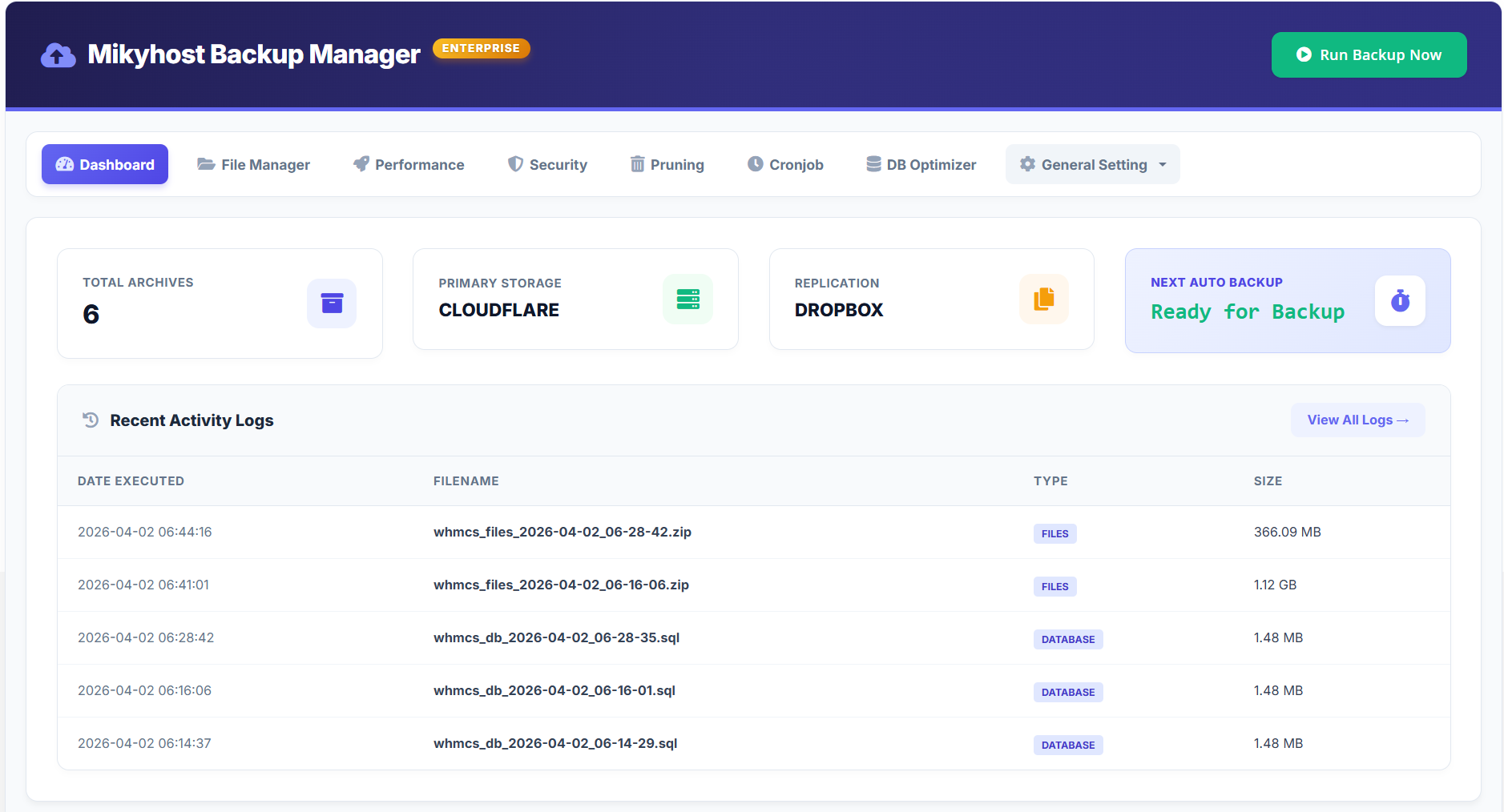
10. Live Dashboard and Monitoring
Track backup activity in real time:
- Live progress indicator
- Next backup countdown
- System diagnostics (PHP version, memory, disk space)
- Detailed activity logs
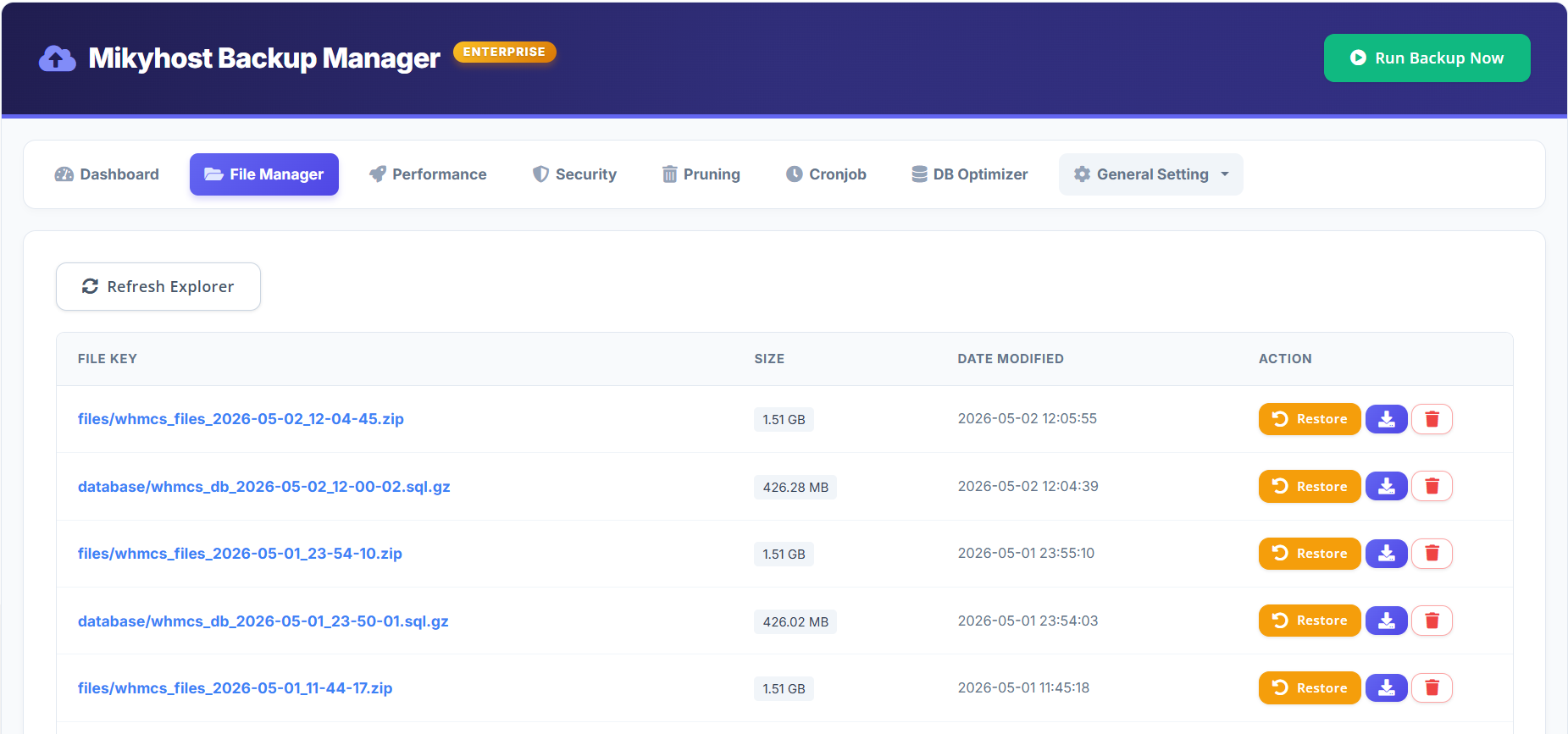
11. File Manager and One-Click Restore
Manage backups directly from WHMCS:
- View cloud and local backup files
- Generate secure download links
- Delete backups manually
- Restore full system with one click
Secure your WHMCS environment with a reliable, automated backup solution.
Mikyhost Backup Manager V1.0 ensures your data is always protected and ready to recover at any time.